IdeaSoft
Connect an IdeaSoft store to YourSizer through the Admin API with OAuth2 — create an API app with our redirect address, enter its Client ID and Secret, and approve once. The token renews automatically.

 YourSizer Live
 ResReturn Planned
 NoShot Planned
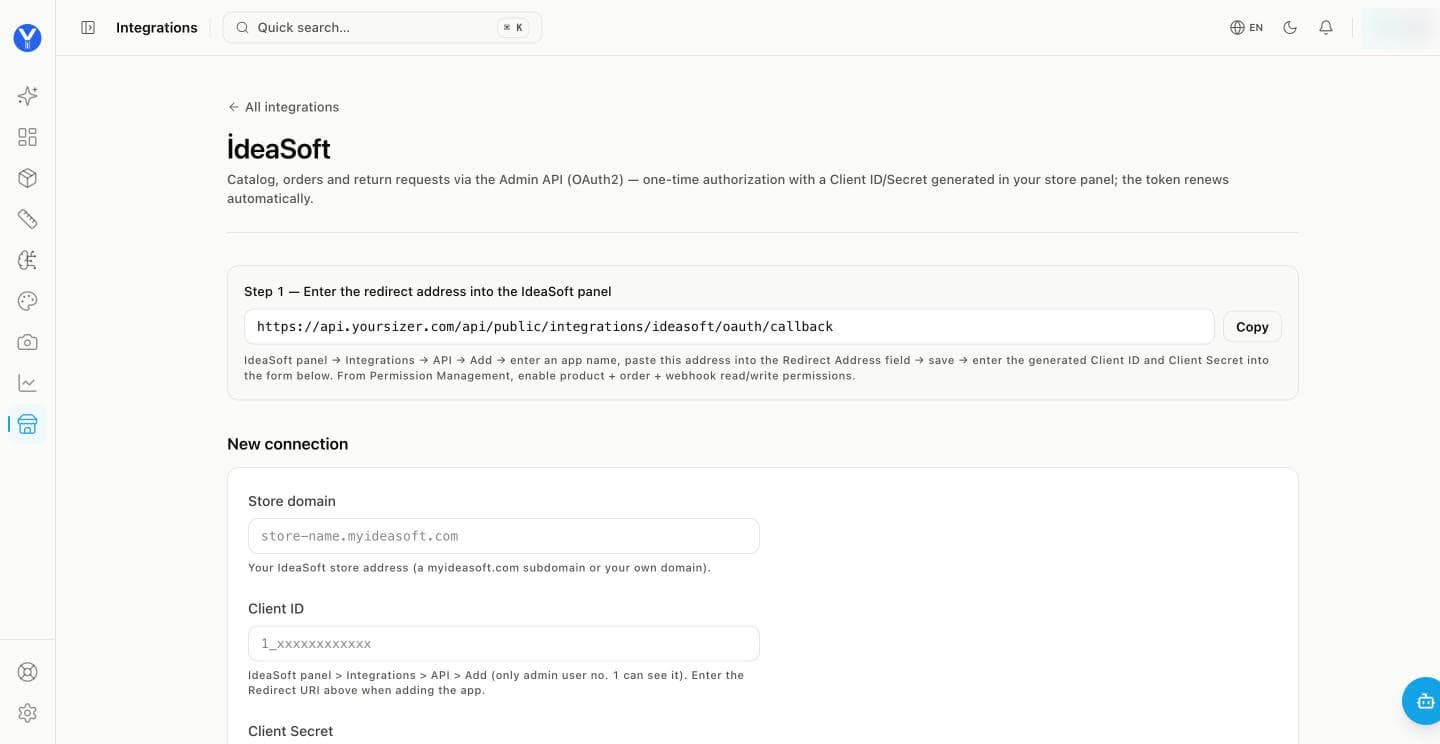
Create an API app in IdeaSoft. In the IdeaSoft panel open Integrations → API → Add, give the app a name and paste the redirect address shown in Step 1 of the YourSizer page into Redirect Address. Save.
Grant permissions. Under Permission Management, enable product, order and webhook read/write permissions for the app.
Fill in the form. Your store address (a myideasoft.com subdomain or your own domain), then the app’s Client ID and Client Secret.
Click Connect and Authorize. You are sent to the IdeaSoft panel to approve, then brought back automatically. Only the store’s admin user #1 can see API apps and grant the approval.
What syncs and what is written back
- Install
- OAuth connection from the store admin.
- What syncs
- Catalogue with category tree, orders and line items, per-garment sizes.
- What we write back
- ResReturn write-back (per-line refund requests) is planned.
- Notes
- Verified end to end against a live store, including partial returns where only some lines of an order come back. Categories are resolved from the catalogue tree rather than from the product title.